
三列固定宽度可以在三列自适应基础上添加一个父div,并设置这个div的宽度即可,如下,添加一个id为content的父容器。
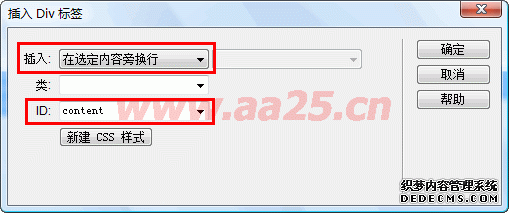
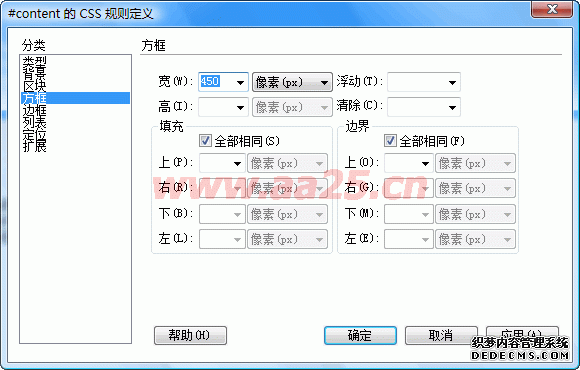
在源代码里选中这三个div,然后点击工具栏上的“插入div标签”按钮,这时弹出的窗口插入项会默认为:在选定的内容旁换行,输入id为content,然后给这个div定义个宽度
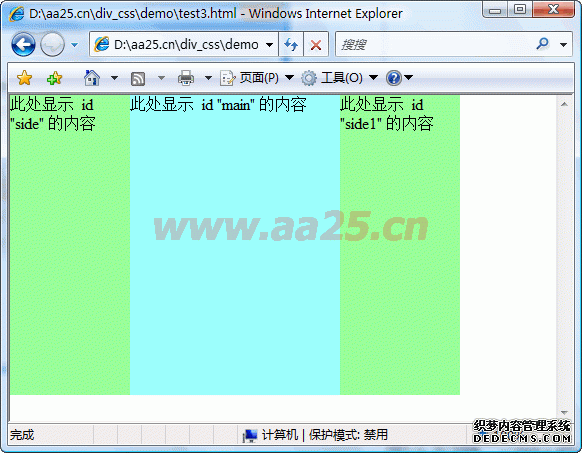
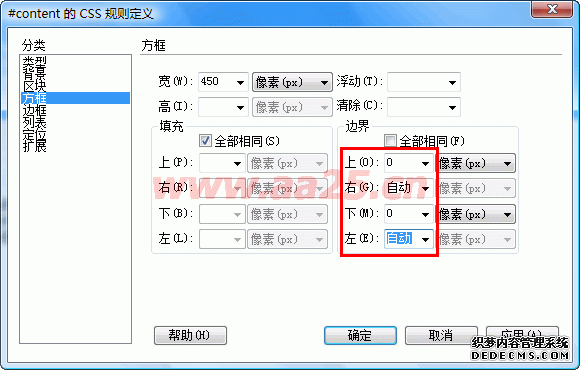
三列固定宽度出来了,要想实现三列固定宽度居中就更方便了,只需设置#content {margin:0 auto;}即可
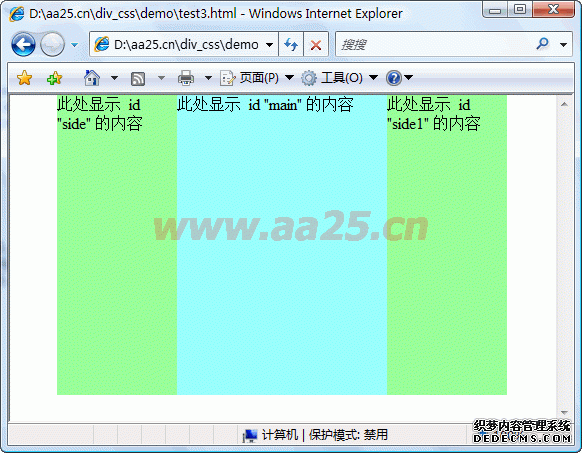
    <!DOCTYPE html PUBLIC "-//W3C//DTD XHTML 1.0 Transitional//EN" "http://www.w3.org/TR/xhtml1/DTD/xhtml1-transitional.dtd">
    <html xmlns="http://www.w3.org/1999/xhtml">
    <head>
    <meta http-equiv="Content-Type" content="text/html; charset=gb2312" />
    <style>
    body { margin:0;}
    #content { width:470px; margin:0 auto;}
    #side { background: #99FF99; height: 300px; width: 120px; float: left; }
    #side1 { background: #99FF99; height: 300px; width: 120px; float: right; }
    #main { background: #99FFFF; height: 300px; margin:0 120px; }
    </style>
    </head>
    <body>
    <div id="content">
      <div id="side">此处显示 id "side" 的内容</div>
      <div id="side1">此处显示 id "side1" 的内容</div>
      <div id="main">此处显示 id "main" 的内容</div>
    </div>
    </body>
    </html>
声明:本站所有文章,如无特殊说明或标注,均为本站原创发布。任何个人或组织,在未征得本站同意时,禁止复制、盗用、采集、发布本站内容到任何网站、书籍等各类媒体平台。如若本站内容侵犯了原著者的合法权益,可联系我们进行处理。
